 PratiKit
GROUPSCreate random groups or balance them by level.
Create groups
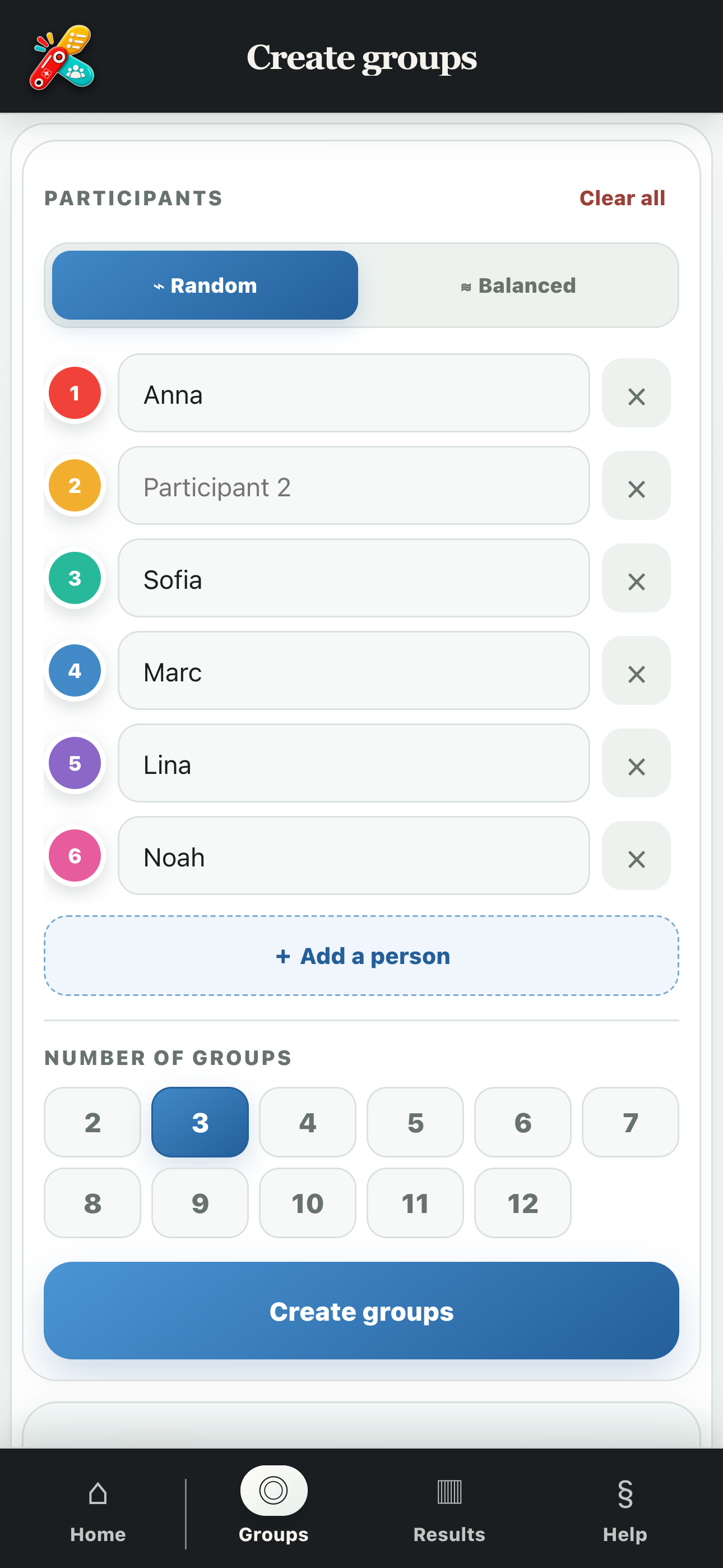
Add 2 to 24 participants, choose 2 to 12 groups and let PratiKit handle the allocation.
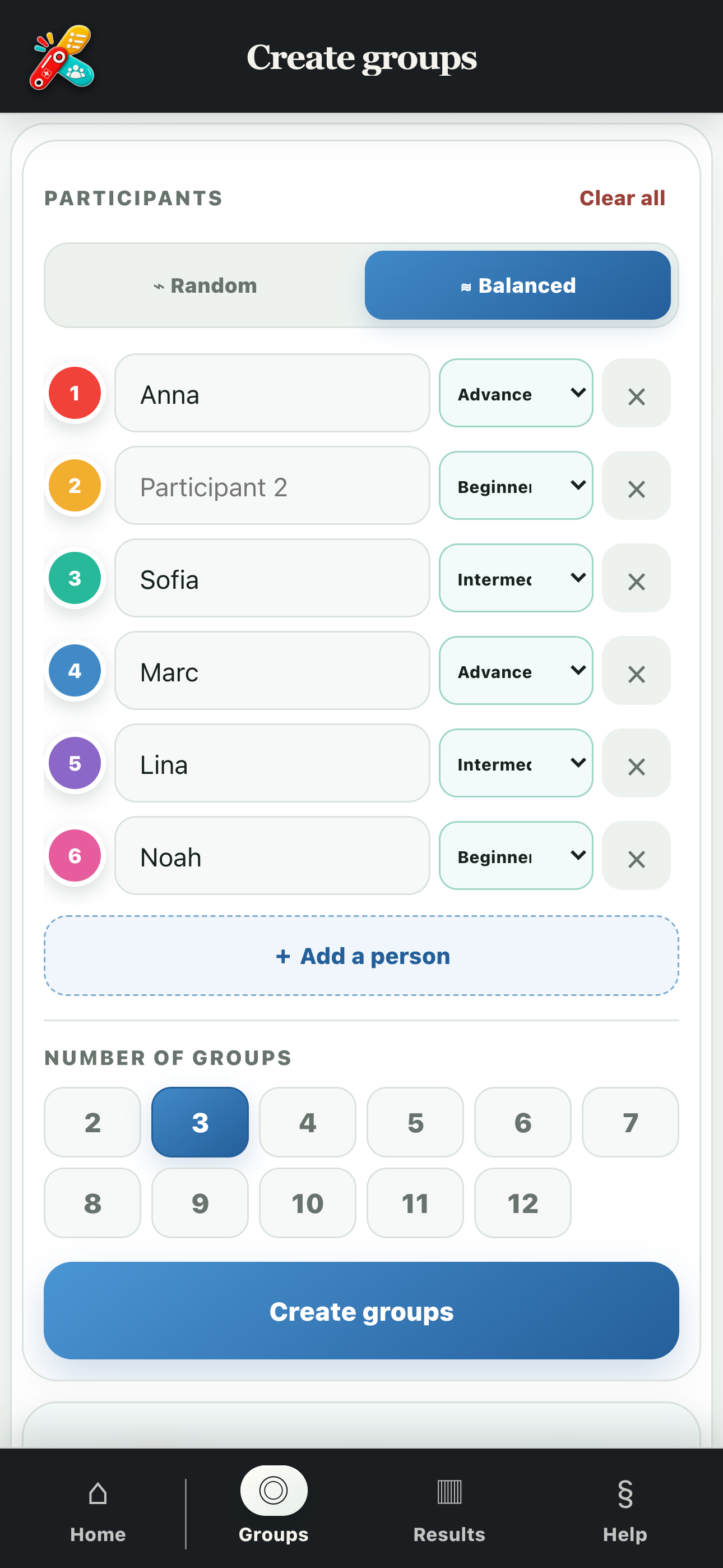
Random or balanced by ability
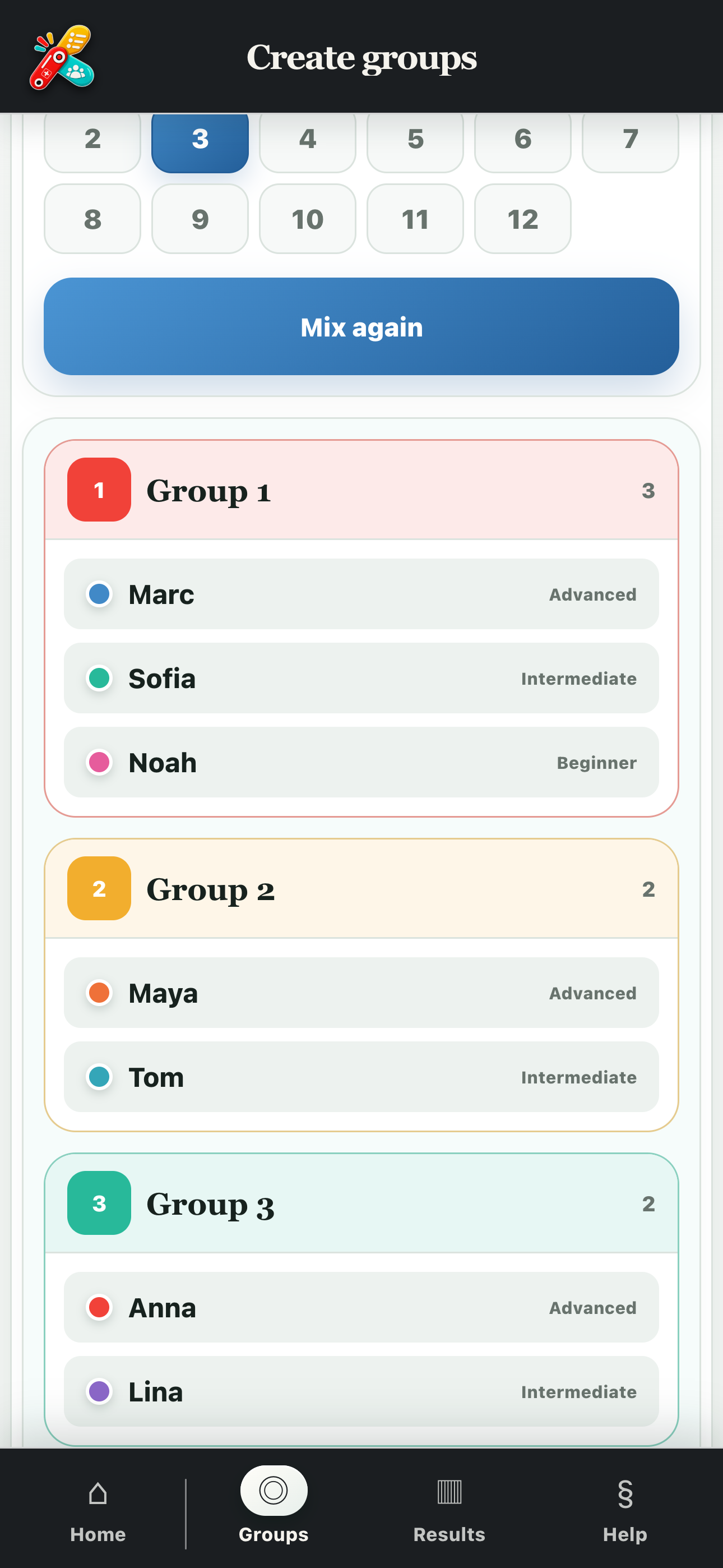
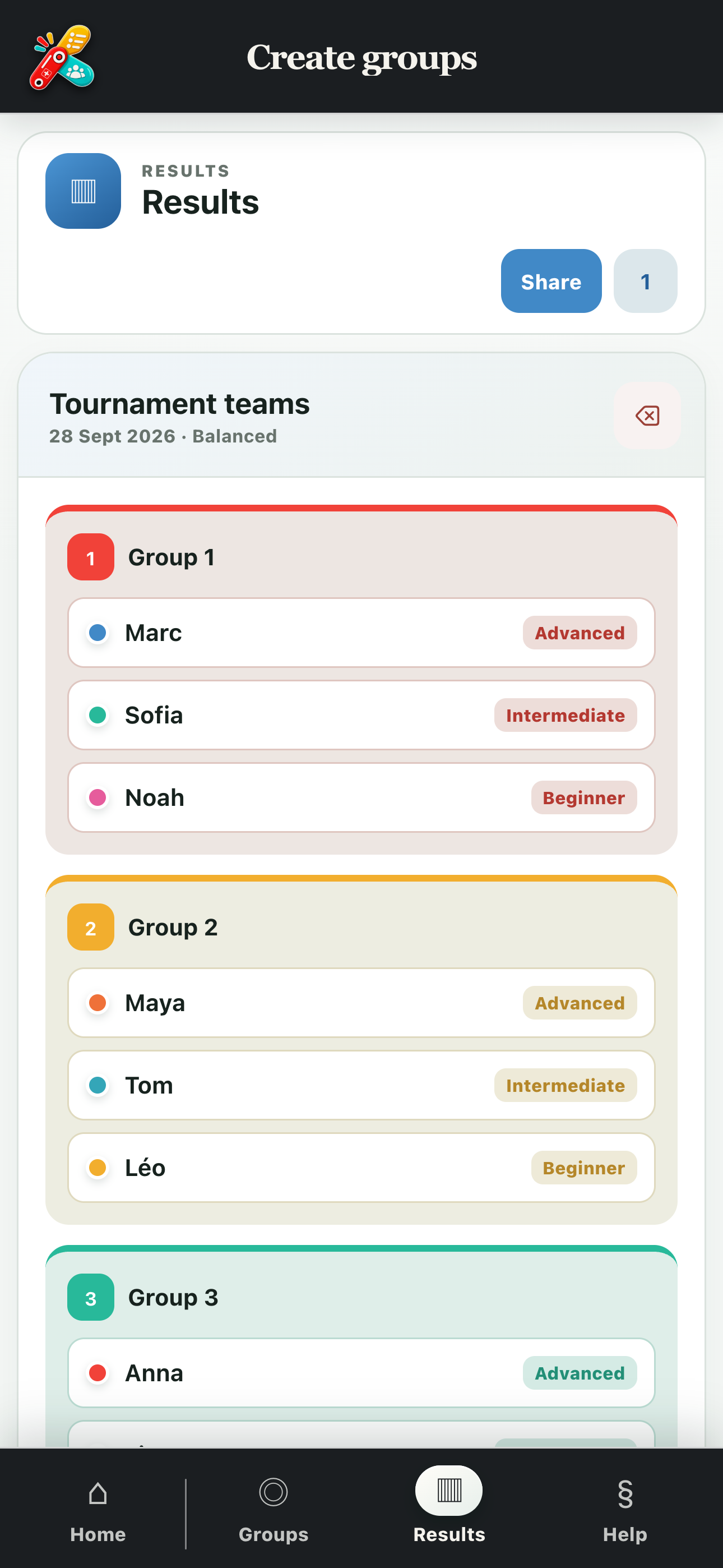
Random mode mixes all participants. In Balanced mode, give each person a beginner, intermediate or advanced level and PratiKit spreads the profiles across the groups. Mix again, save up to 20 results on the device and share them with PratiKit or as a PDF.
Groups for every situation
Sports and training
Create teams quickly or spread ability levels for more balanced matches.
School and learning
Create groups for an assignment, exercise, class or workshop.
Work and workshops
Allocate participants for a project, brainstorming session or group activity.
Games and parties
Create game teams, allocate tables or start a group challenge.
Family and friends
Mix adults and children for an activity, outing or challenge.
Tournaments and events
Split participants into several groups before the activity begins.