 PratiKit
CHOOSELet chance pick a person: drinks, a chore, first player or next turn.
Pick a random person
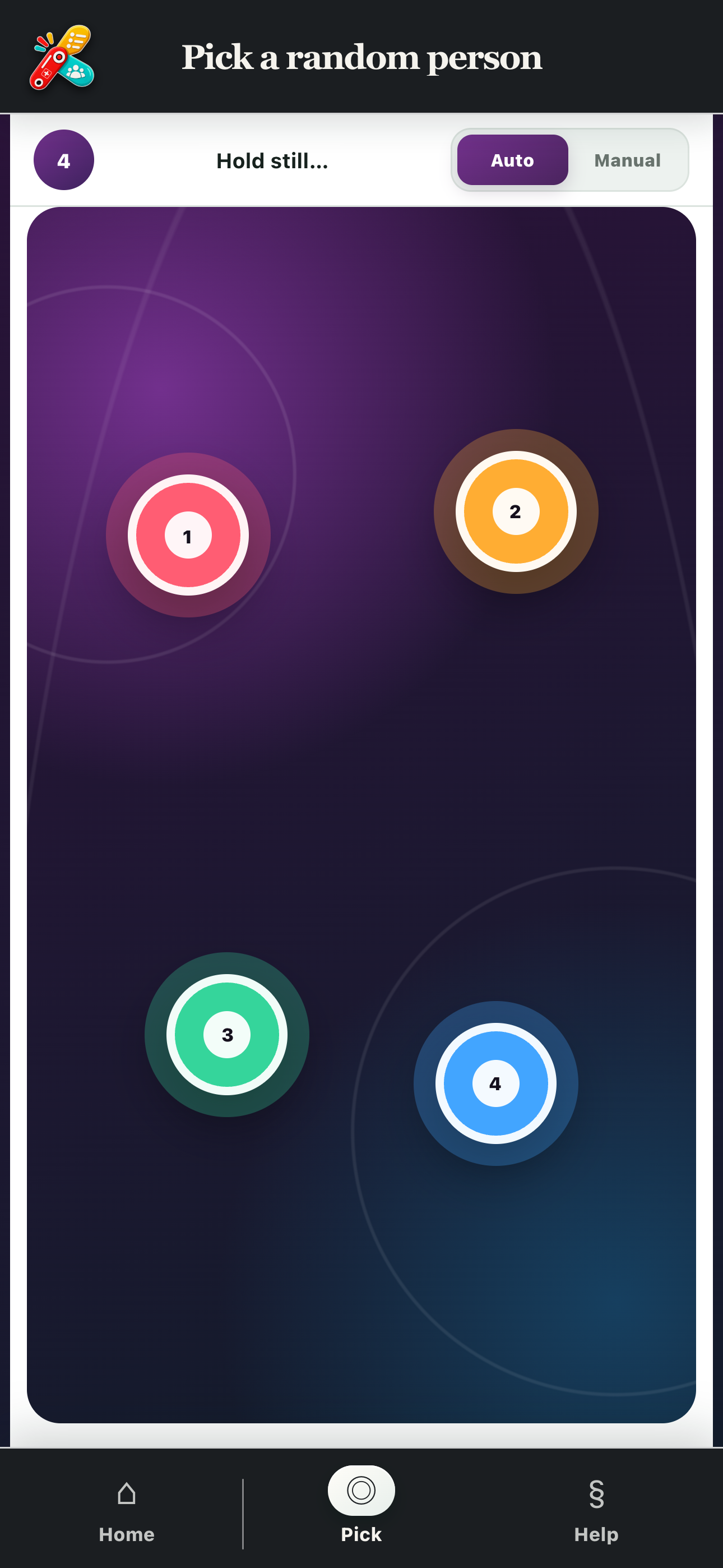
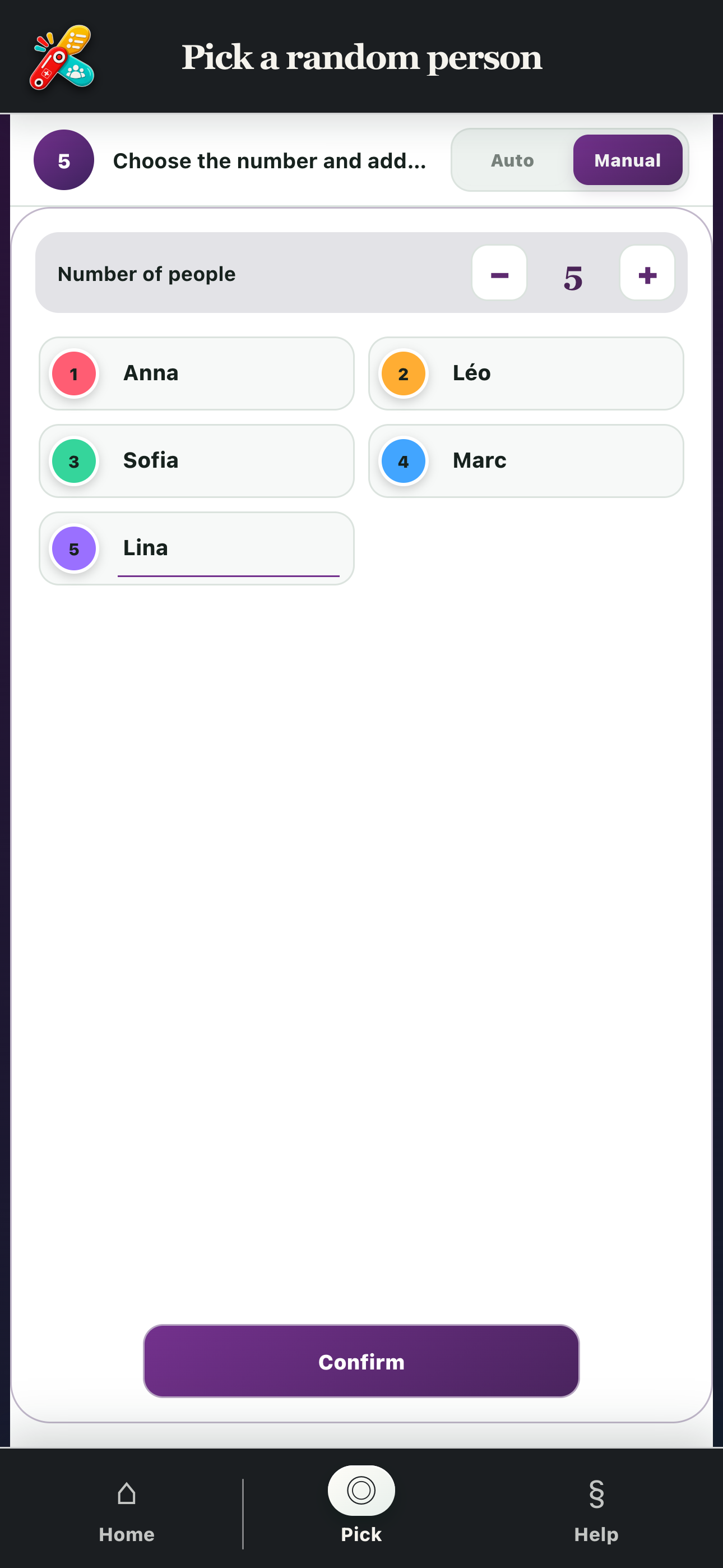
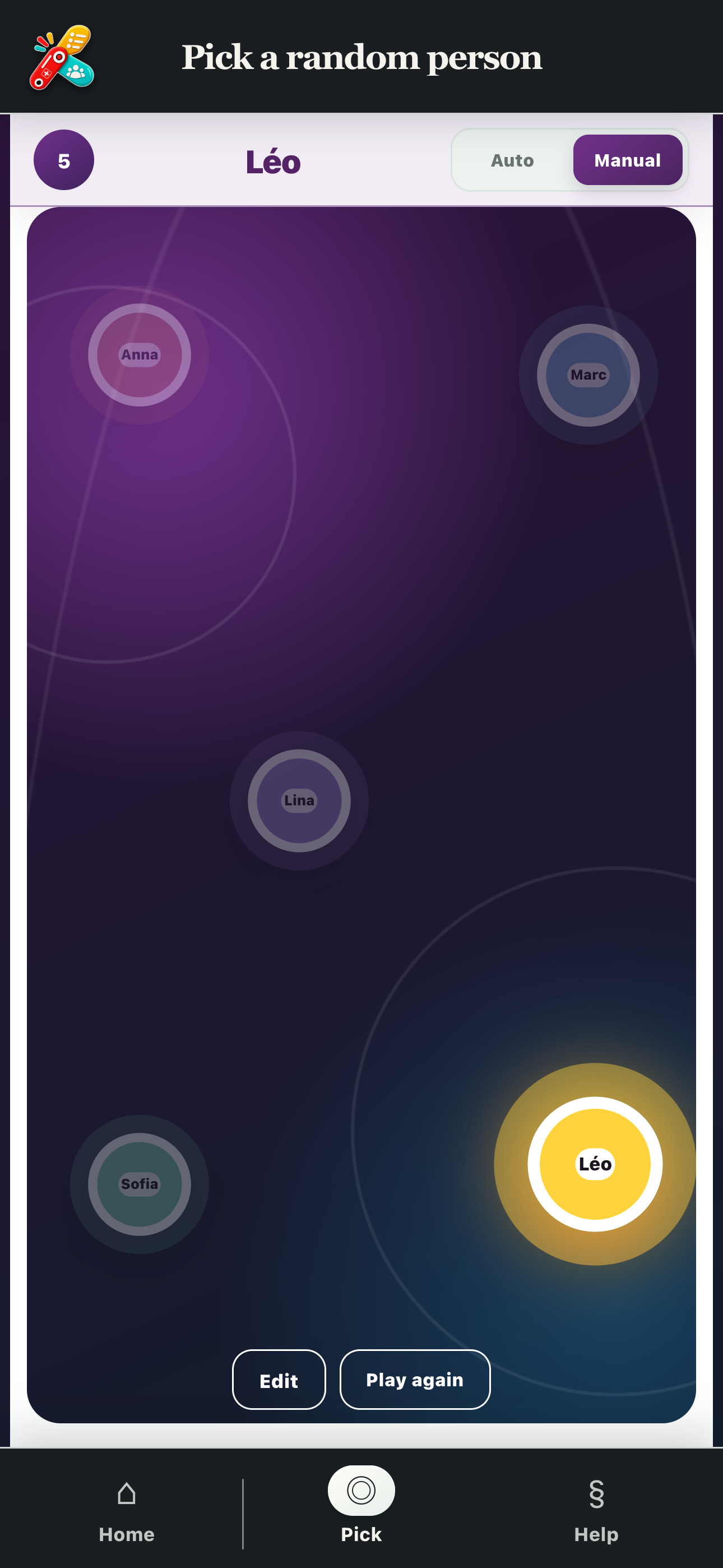
Pick a person at random by placing fingers on the screen or adding the names manually.
Two ways to run a draw
In Auto mode, each participant places a finger on the screen and PratiKit selects a colour. In Manual mode, add 2 to 20 names, start the draw and see who was picked.
Six ways to choose without a debate
Games and activities
Fairly choose who starts, takes the next turn or launches an activity.
Who pays for the drinks?
Place your fingers on the screen and let PratiKit choose from everyone present.
Everyday tasks
Choose who does the dishes, takes out the bins, tidies up or handles another chore.
School and training
Select someone to answer, present a project or begin an exercise.
Teamwork
Choose a spokesperson, the person presenting or whoever handles the next action.
Group outings
Choose who books, collects the order or organises the next get-together.